Recruiter calendars
Open the calendar on the logged-in recruiter by default.
Assign next actions to recruiters, see calendars by user and share available interview slots without creating schedule conflicts.
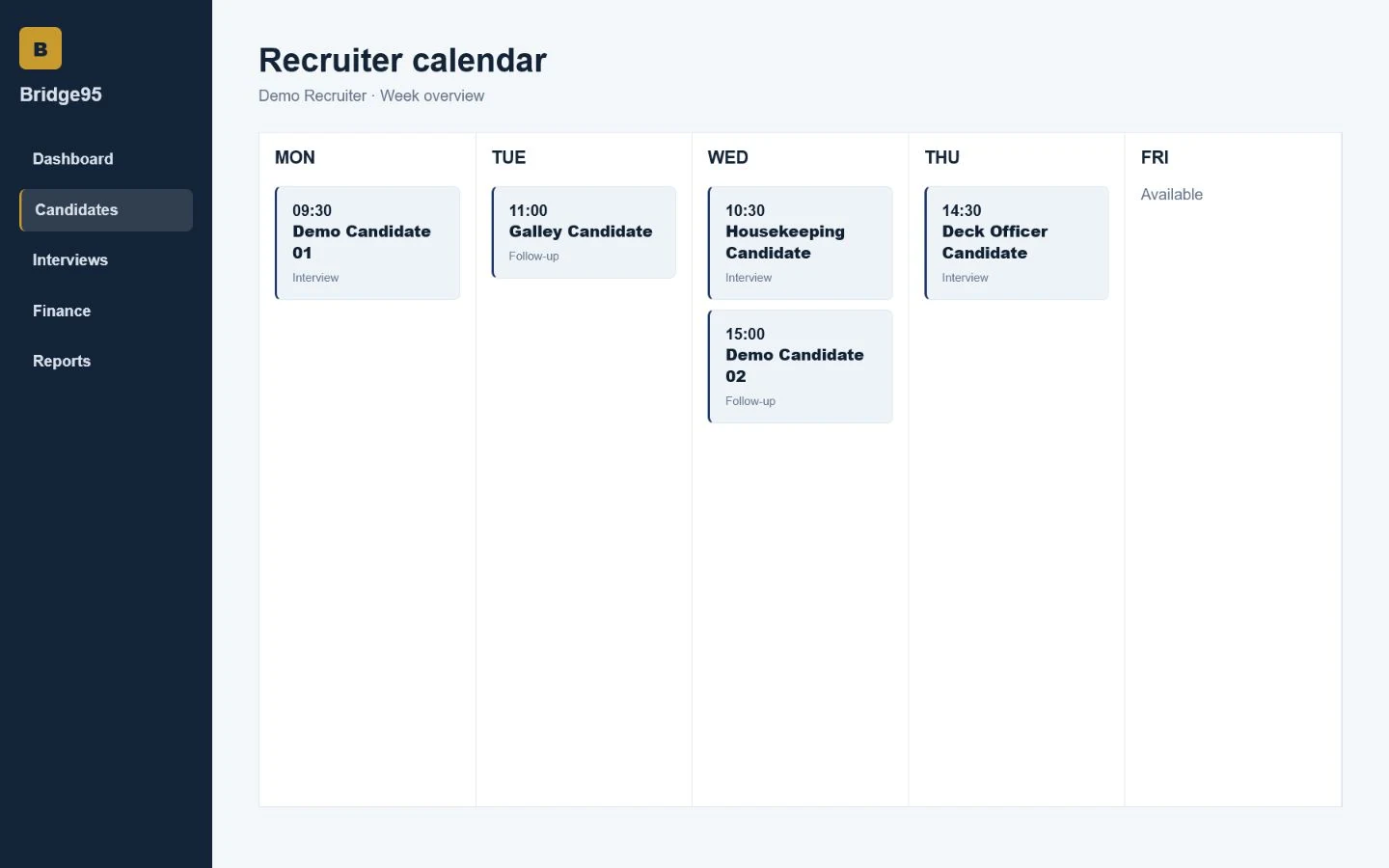
Open the calendar on the logged-in recruiter by default.
Assign a follow-up to a specific user and avoid schedule conflicts.
Configure available interview times and remove occupied slots.
Send configured reminders before follow-up deadlines.
Bridge95 keeps operational context close to the candidate record, so recruiters can move from information to action without rebuilding the same picture across separate files.
No. It is designed for cruise and maritime workflows and can also support manning, crewing and specialist maritime recruitment teams.
Bridge95 centralizes candidate records, status, documents, follow-ups and recruitment activity. Teams can still export data where a spreadsheet is useful.
Yes. Bridge95 supports individual recruiter accounts, role-aware access and activity linked to the user working on a record.
Yes. Request a walkthrough and describe the recruitment process your team wants to improve.
Walk through the candidate, interview, document and recruitment operations your team manages every day.