
Client document rules
Define the mandatory files per client and make the checklist appear automatically for the recruiter working on that candidate.
Bridge95 brings candidate intake, recruiter activity, interviews, documents and placement context into one practical workspace.
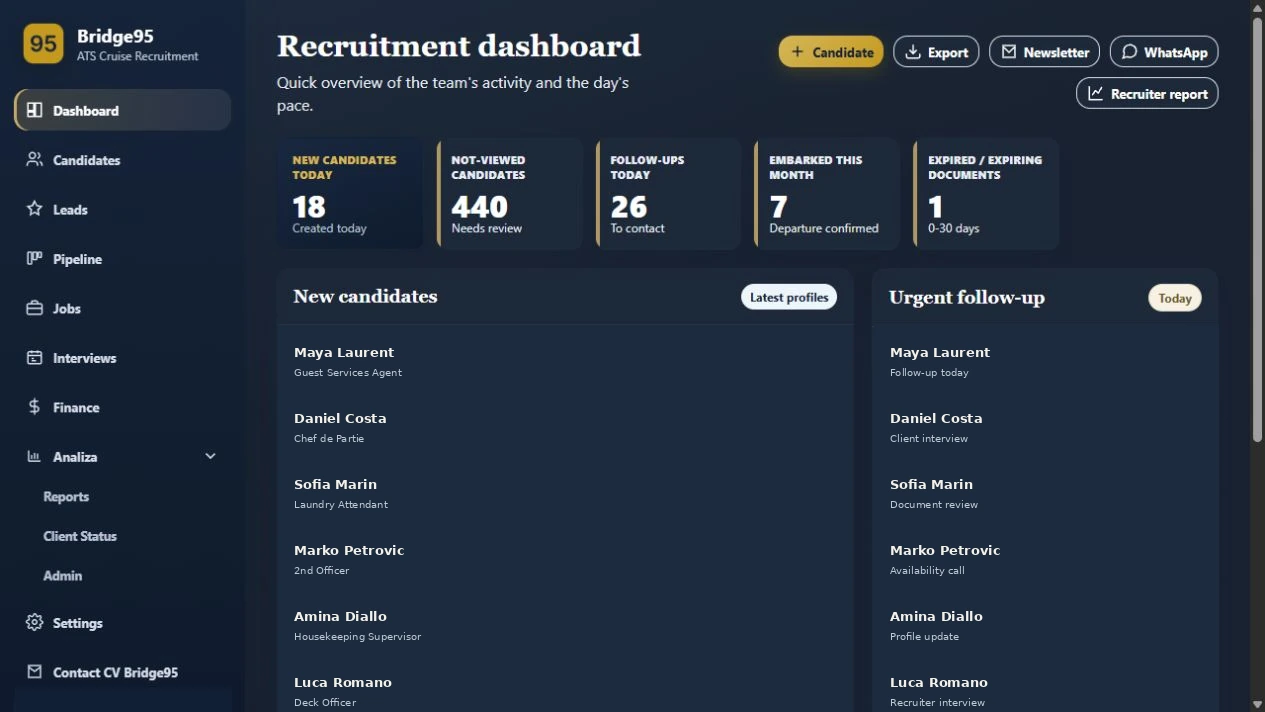
In a configured client workflow, Bridge95 keeps the documents needed for maritime recruitment in the candidate record, so recruiters can see what is valid, what is missing and what still needs attention before embarkation.
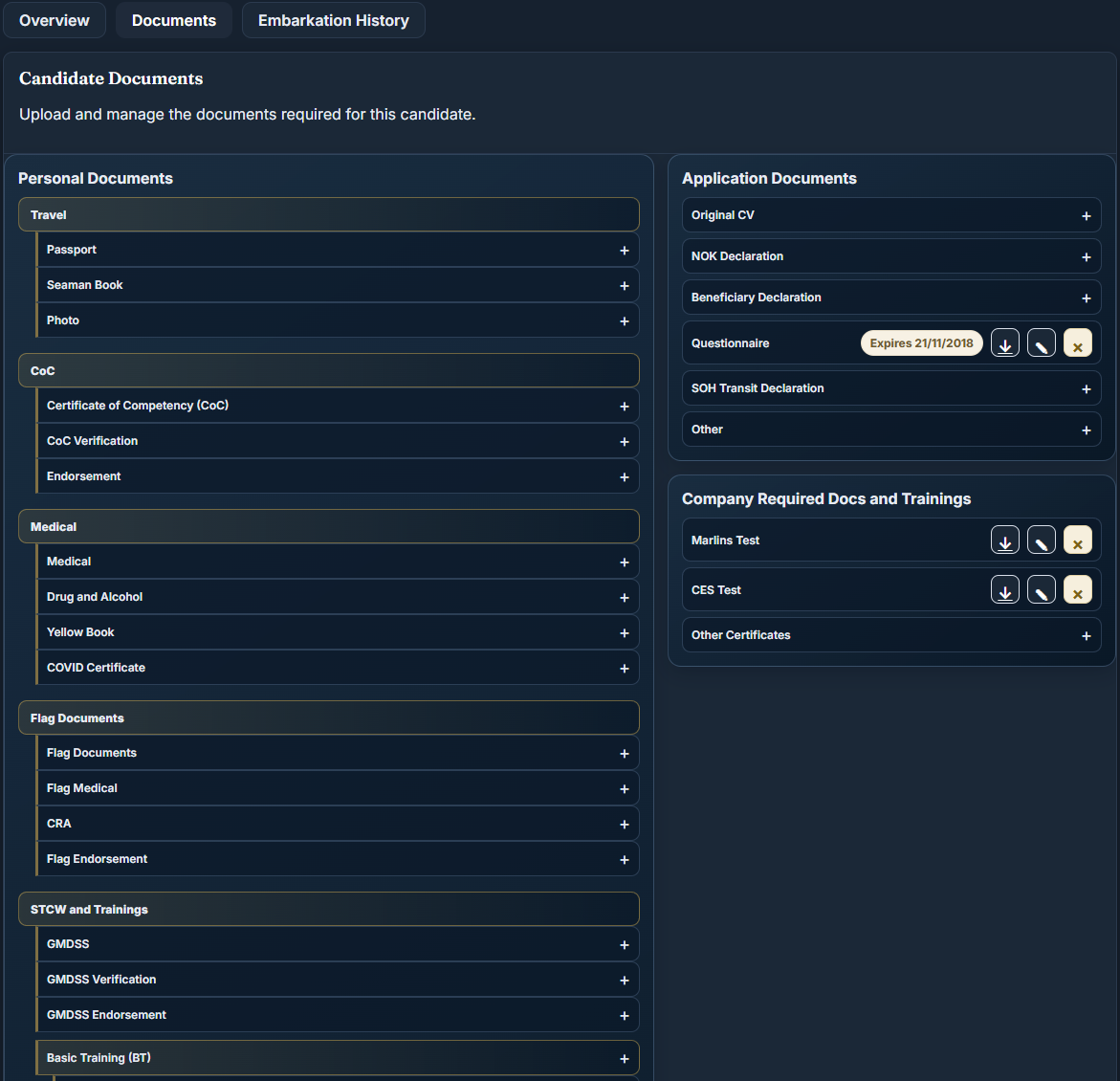
These capabilities are available in a configured client workflow and can be configured around another maritime team’s document rules.
Define the mandatory files per client and make the checklist appear automatically for the recruiter working on that candidate.
Record or extract validity dates from uploaded files, monitor upcoming expiries and keep key certificates visible at a glance.
Separate the current embarkation pack from past service, including contract, client requirements and supporting documents.
Use the candidate’s source documents to prepare a client form for review, then adjust, save and export the completed file.
Purpose-built tools for maritime recruitment operations.
ExplorePurpose-built tools for maritime recruitment operations.
ExplorePurpose-built tools for maritime recruitment operations.
ExplorePurpose-built tools for maritime recruitment operations.
ExplorePurpose-built tools for maritime recruitment operations.
ExploreKeep required files, validity and document packs attached to the right candidate.
ExplorePurpose-built tools for maritime recruitment operations.
ExplorePurpose-built tools for maritime recruitment operations.
ExploreNo. It is designed for cruise and maritime workflows and can also support manning, crewing and specialist maritime recruitment teams.
Bridge95 centralizes candidate records, status, documents, follow-ups and recruitment activity. Teams can still export data where a spreadsheet is useful.
Yes. Bridge95 supports individual recruiter accounts, role-aware access and activity linked to the user working on a record.
The deployment and setup should be reviewed against your team structure, role categories, stages and operational requirements.
Walk through the candidate, pipeline, document and placement operations your recruiters manage every day — with your own team's workflow in mind.