
Client-specific checklists
Set each client’s mandatory documents and show the requirements automatically on the candidate profile.
Keep client requirements, original files, validity dates and the embarkation document pack connected to the candidate — not scattered across inboxes and folders.
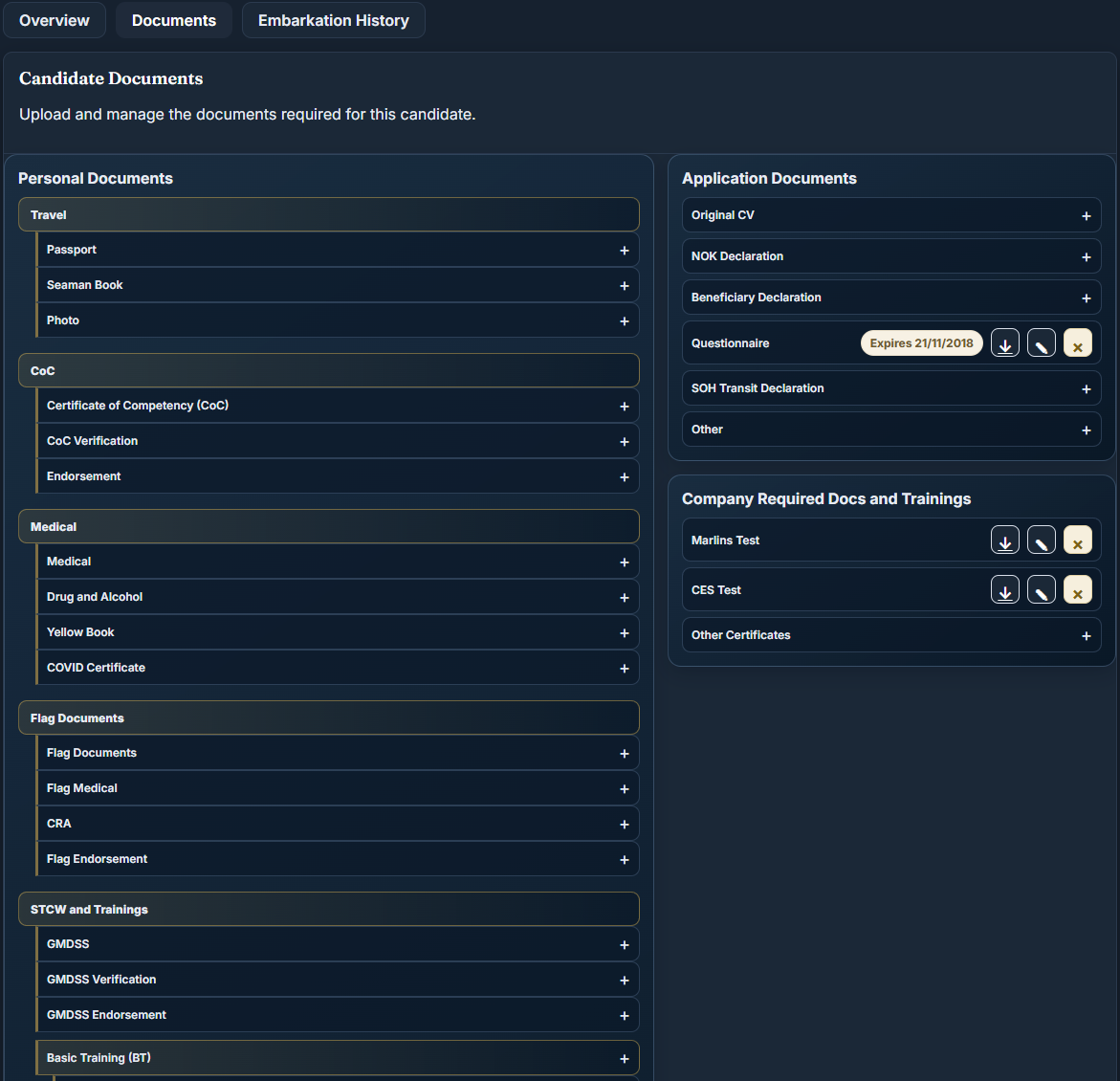
The capabilities below are active in the Client configuration and can be configured to match each client’s document rules.
Set each client’s mandatory documents and show the requirements automatically on the candidate profile.
Track passport, medical, STCW and basic training validity, with expired and soon-to-expire documents surfaced early.
Keep current contract and client documents separate from the candidate’s historical embarkation record.
Prepare a client form from source documents, review the extracted fields, then save or export the completed file.
Bridge95 turns the document process into an operational checklist. Recruiters see what belongs to each candidate and client before the final handover, rather than rebuilding the same pack from email attachments.
No. It is designed for cruise and maritime workflows and can also support manning, crewing and specialist maritime recruitment teams.
Bridge95 centralizes candidate records, status, documents, follow-ups and recruitment activity. Teams can still export data where a spreadsheet is useful.
Yes. Bridge95 supports individual recruiter accounts, role-aware access and activity linked to the user working on a record.
Yes. Request a walkthrough and describe the recruitment process your team wants to improve.
Client-specific requirements, original files and validity information stay connected to the candidate and embarkation context.
The software organizes evidence. The responsible reviewer decides whether a document is valid and appropriate; no automatic certification of compliance is promised.
Walk through the candidate, pipeline, document and placement operations your recruiters manage every day — with your own team's workflow in mind.