
Explore the Bridge95 workflow in five steps
An illustrated product walkthrough using demonstration records, with the checks to make during your own live review.
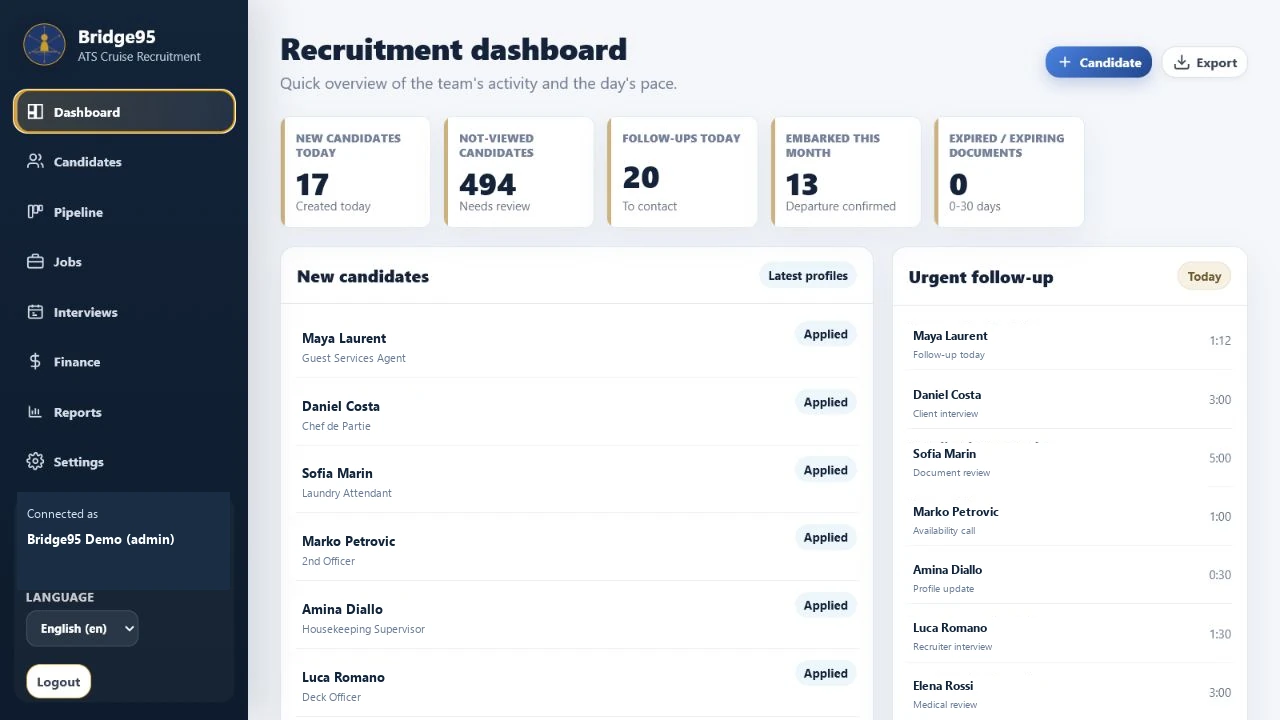
1. Review the desk
Start with new candidate records and follow-ups. Identify which recruiter owns each unresolved action.
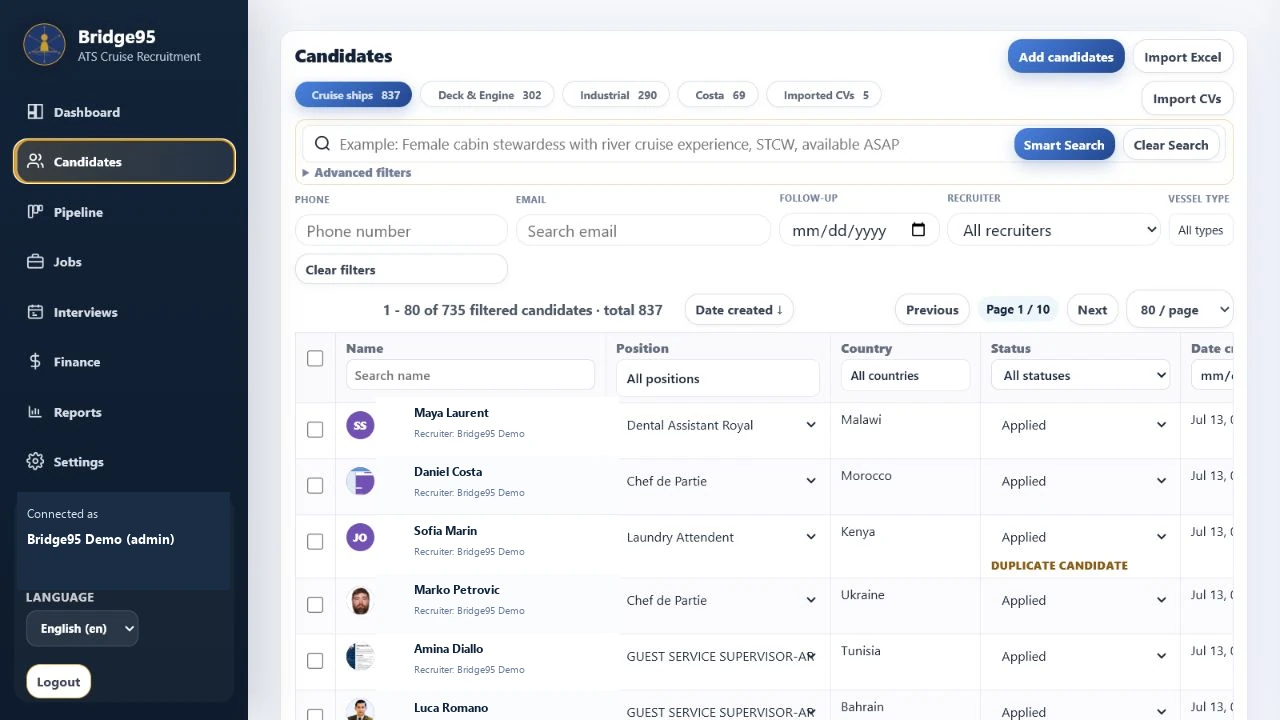
2. Inspect the candidate
Search the candidate database, then review the source CV and confirm the role and availability.
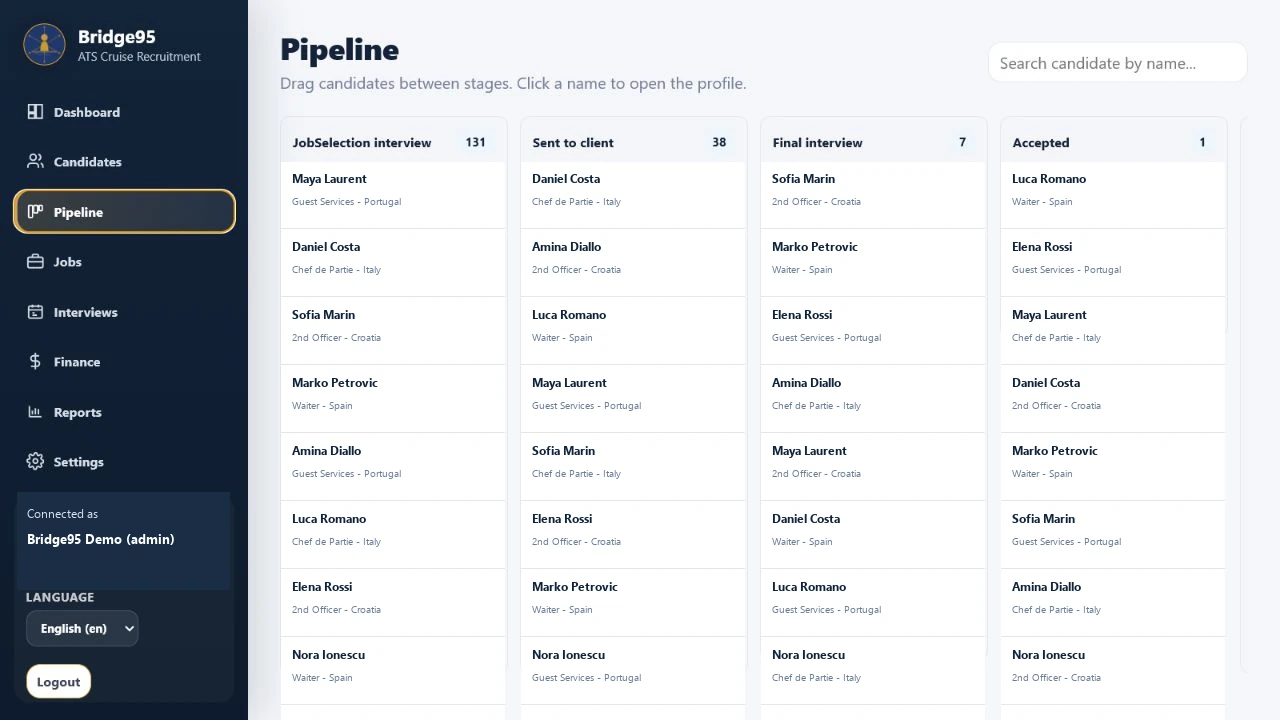
3. Move the recruitment work forward
Review the stage in relation to a job or client request. Confirm what evidence is needed before changing it.
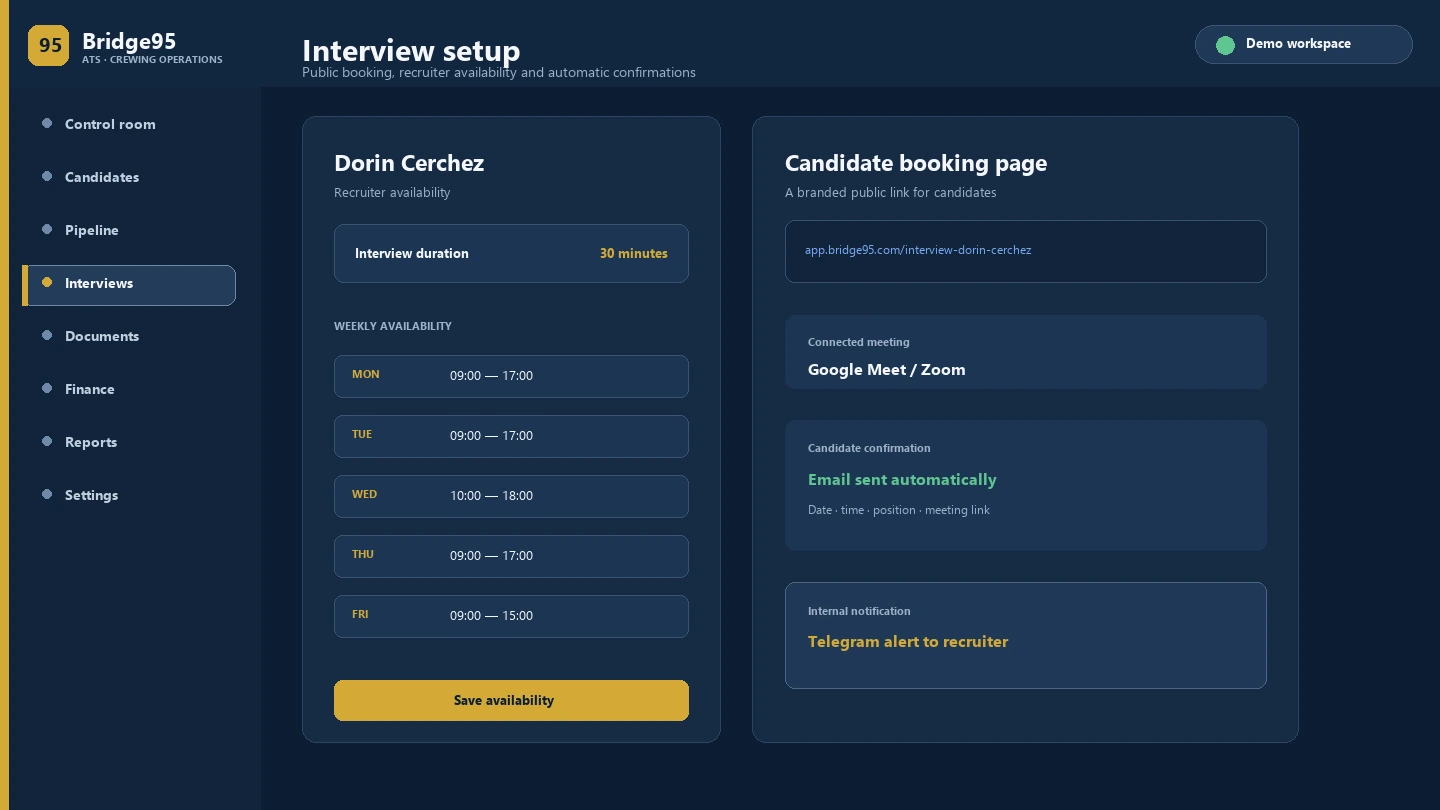
4. Prepare the interview
Review availability, duration and meeting details before sharing a booking link. Notifications depend on the agreed setup.
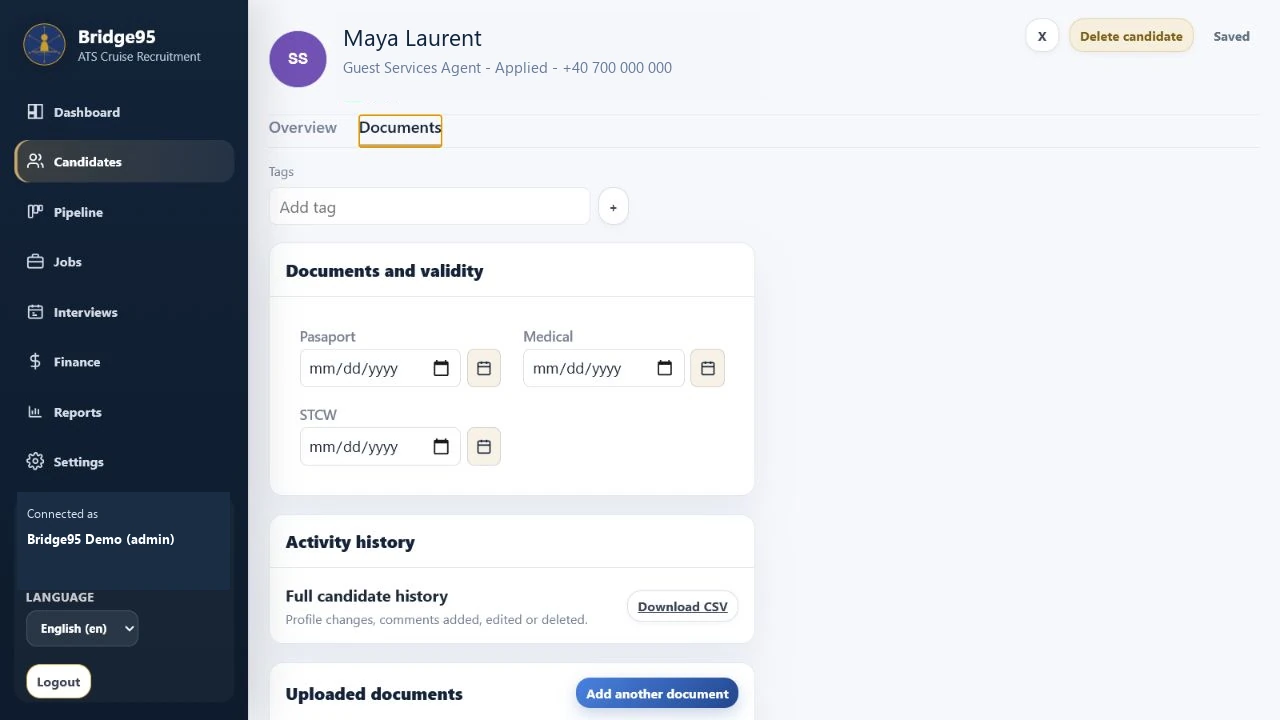
5. Review the handover
Inspect document status and the required source files. A responsible reviewer confirms readiness; the software organizes the record.
Continue exploring
See your workflow in Bridge95
Bring a role, a sample import and your document checklist. We can review the setup your team needs.