
Review before save
Confirm name, position and country before creating the record.
Use controlled CV parsing, drag-and-drop intake, bulk file upload and Excel import, then verify key data before a candidate is saved.
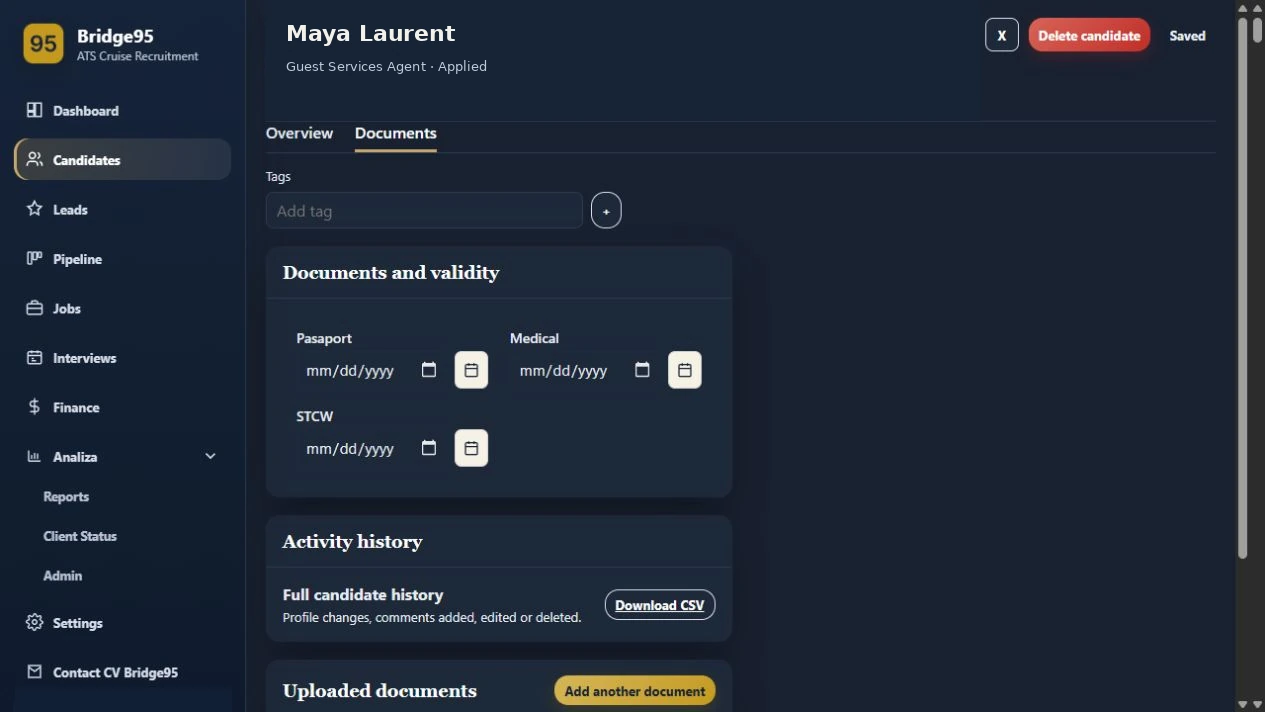
Confirm name, position and country before creating the record.
Parse supported PDF, DOCX and text CV files.
Import multiple CV files or structured candidate spreadsheets.
Keep the source CV available from the candidate profile.
Bridge95 keeps operational context close to the candidate record, so recruiters can move from information to action without rebuilding the same picture across separate files.
No. It is designed for cruise and maritime workflows and can also support manning, crewing and specialist maritime recruitment teams.
Bridge95 centralizes candidate records, status, documents, follow-ups and recruitment activity. Teams can still export data where a spreadsheet is useful.
Yes. Bridge95 supports individual recruiter accounts, role-aware access and activity linked to the user working on a record.
Yes. Request a walkthrough and describe the recruitment process your team wants to improve.
Bridge95 supports CV and spreadsheet intake workflows. Review the available source export and field mapping before moving a full dataset.
Migration from another ATS is scoped separately. Do not assume that a spreadsheet transfers attachments, notes and all historical relationships.
Walk through the candidate, pipeline, document and placement operations your recruiters manage every day — with your own team's workflow in mind.